If your organization manages corporate art, you’ve likely faced a familiar challenge: valuable works scattered across offices, warehouses, and loan venues, tracked through a patchwork of spreadsheets, shared drives, and institutional memory. Asset management software has evolved dramatically since the early 2000s, transforming art management from basic IT tracking tools into sophisticated platforms capable of managing everything from server farms to fine art collections. Bidders who track results closely lean on solid Auction Insights before raising a paddle.
This guide examines asset management software through the lens of corporate art and cultural assets—a perspective increasingly relevant as organizations navigate rising ESG and DEI reporting requirements, post-2020 hybrid work arrangements, and collections distributed across multiple cities or continents. Since 2010, corporate investment in art has accelerated significantly, with U.S. corporations holding over $1.5 billion in art assets by 2015. Financial institutions, law firms, healthcare systems, and universities now routinely acquire works for branding, investment diversification, and community engagement. The challenge? Managing these collections effectively as they grow and spread.
Onward is an art-focused asset management platform designed specifically for organizations with distributed fine art collections—not museums, but corporate environments where art coexists with operational complexity.
What you will learn:
- Types of asset management software and how they differ
- Core features shared across modern platforms
- Key capabilities specific to art and cultural assets
- Evaluation criteria for selecting the right solution
- How Onward fits corporate art management needs
Add from PixabayUploador drag and drop an image hereClear alt text## What Is Asset Management Software?
Asset management software refers to digital systems that centralize the tracking of what you own, where it is, what it’s worth, who is responsible for it, and how it’s changing over time. In practical terms, these platforms replace spreadsheets, email chains, and paper binders with unified databases that provide real-time visibility into your asset inventory.
General-purpose IT asset management tools focus on technology ecosystems: servers, laptops, software licenses, and cloud assets. They excel at license compliance, security patching, and lifecycle tracking for hardware assets that depreciate predictably. Specialized asset management for physical collections—fine art, furniture, archival materials—requires a different approach. These assets often appreciate in value, lack serial numbers, and demand provenance documentation that IT systems simply weren’t designed to handle.
Consider three concrete examples. First, tracking a sculpture as it moves between your New York and London offices requires detailed movement logs, condition reports at each end, and customs documentation. Second, managing software licenses involves monitoring renewals to prevent the 30-40% average overspend many organizations experience. Third, monitoring insurance coverage for a 1998 painting whose market value has risen from $100,000 to $500,000 requires appraisal tracking and policy alignment that generic systems overlook.
While platforms like IBM Maximo Application Suite focus on industrial equipment maintenance and tools like Asset Panda handle general physical assets, Onward focuses specifically on fine art and cultural assets within corporate environments.
Core lifecycle stages most asset management software supports:
- Planning and acquisition (budgeting, purchasing, initial cataloging)
- Deployment and display (location assignment, installation logging)
- Maintenance and art conservation (condition reports, scheduled care)
- Movement and loan (transfers, exhibitions, chain-of-custody)
- Retirement or deaccession (disposal documentation, tax compliance)
Types of Asset Management Software
The term “asset management software” encompasses several categories used across different departments. Understanding these distinctions helps you identify which type—or combination—fits your organization’s needs.
IT Asset Management (ITAM) targets technology ecosystems including servers, laptops, SaaS subscriptions, cloud assets, and mobile devices. These platforms prioritize software license management, security vulnerabilities, and automated network discovery. Software asset management capabilities help organizations avoid audit penalties by tracking installed software, licensing agreements, and compliance requirements. Tools in this category excel at high-volume, standardized IT assets but struggle with unique cultural items that lack serial numbers or standard depreciation curves.
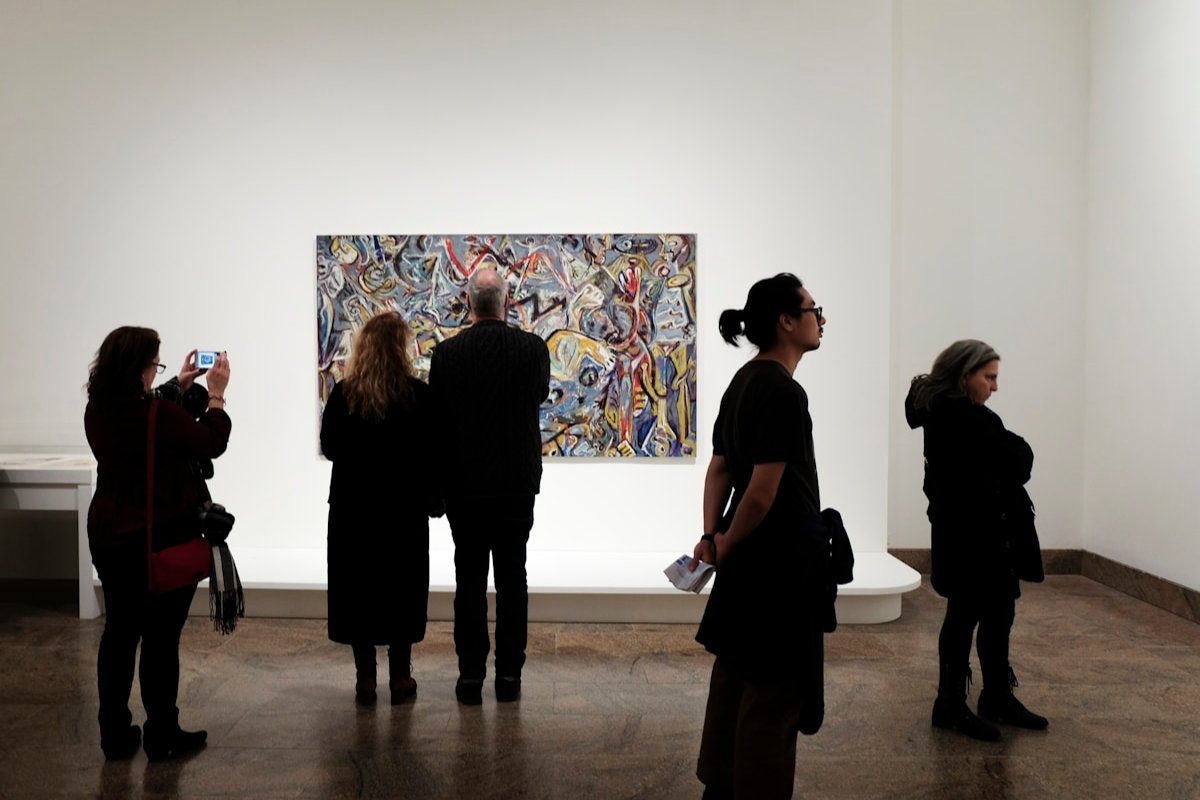
Enterprise Asset Management (EAM) handles industrial assets such as manufacturing plants, vehicles, and heavy machinery. These systems emphasize preventive maintenance through IoT sensor data, work order automation, and uptime metrics. Maintenance management features can reduce unplanned downtime by 30-50%, making EAM essential for organizations with significant physical infrastructure. However, EAM platforms optimize for assets that wear out predictably—not artworks that may appreciate over decades.
Facilities and Real Estate Asset Management manages buildings, leases, HVAC systems, and energy infrastructure. These tools focus on occupancy optimization, cost control via lease expiry alerts, and sustainability metrics. With average office space utilization running around 60% post-hybrid work shifts, facilities management software helps organizations right-size their real estate portfolios.
Cultural and Art Asset Management represents Onward’s domain. This category focuses on paintings, sculpture, site-specific installations, and digital art—assets requiring provenance chains, valuation fluctuations, location granularity, and risk documentation. For universities, hospitals, law firms, and financial institutions managing significant art holdings, this specialized approach addresses needs that ITAM and EAM systems handle poorly.
Many organizations deploy multiple categories simultaneously. A healthcare system might use ITAM for medical devices, EAM for imaging equipment maintenance, facilities software for building management, and Onward for its art collection. These systems complement rather than compete with each other.
If your primary concern is cultural assets, the following sections focus on art-specific capabilities that matter most for your evaluation.
Core Features of Modern Asset Management Software
Contemporary asset management tools unify asset inventory, workflows, and analytics into single platforms, replacing the fragmented approach of spreadsheets, email chains, and disconnected databases. While core concepts remain consistent across asset types, implementation details vary significantly depending on whether you’re tracking hardware assets, software investments, or cultural collections.
Centralized Inventory
Every asset management solution maintains detailed records with images, descriptions, acquisition data, and responsible parties. For IT infrastructure, this means serial numbers, operating systems, and patch management status. For art, it means artist names, dimensions, medium, and provenance documentation. The key is having one authoritative source that everyone references, eliminating the version control problems that plague spreadsheet-based tracking.
Location Tracking
Modern platforms capture both current and historical locations with hierarchical precision. A painting might show “Headquarters – 17th Floor – Boardroom B” or “On loan to Museum of Modern Art, Chicago, Jan–Jun 2026.” This asset tracking system capability proves essential when works move frequently or when insurance claims require proof of location at specific dates. Real time data on asset positions reduces loss incidents significantly.
Lifecycle and Maintenance Management
Asset lifecycle management features log condition reports, maintenance schedules, conservation history, and value trajectories. For hardware, this means depreciation tracking and maintenance scheduling. For art, it means appreciation monitoring, condition assessments, and conservation records. Maintenance workflows automate routine tasks like scheduling annual inspections or flagging assets due for treatment.
Documentation Hub
Strong asset management tools store insurance certificates, invoices, loan agreements, installation instructions, and correspondence alongside each asset record. This centralized approach eliminates hunting through email archives or file servers when auditors request documentation or insurance claims require proof of purchase.
Permissions and Workflows
Role-based access ensures curators, facilities teams, legal, and finance see and edit only what they need. Automated workflows route loan requests through approval chains, document movements with required signatures, and enforce asset management processes consistently across locations. These automation features reduce processing times from days to hours.
Reporting and Analytics
Dashboards deliver insights on total value by location, artist exposure, insurance and risk gaps, and asset utilization trends. Reporting capabilities support data driven decision making for board presentations, ESG reports, and strategic planning. Strong portfolio management strategies turn that reporting into action, guiding how exposure is rebalanced as the collection grows. For art collections, this might include diversity metrics showing representation of female artists or artists from underrepresented communities.
Onward implements these same feature groups specifically for art collections, with visual-first cataloging, provenance-focused fields, and exhibition tracking that generic platforms lack.
Add from PixabayUploador drag and drop an image hereClear alt text## Key Features for Managing Art and Cultural Assets (Onward’s Perspective)
Art-specific asset management demands capabilities that general IT or EAM systems rarely handle well. Edition tracking, provenance chains, and visual documentation primacy aren’t afterthoughts for cultural collections—they’re foundational requirements. It is worth pausing on what is commercial art and where corporate work fits in.
Art Inventory Management
Your collection database needs structured records accommodating artist, title, year, medium, dimensions, edition information, signature details, and catalog raisonné references. Generic asset tracking software often lacks these fields entirely, forcing workarounds that compromise data integrity.
High-resolution image handling matters enormously. Corporate collections require color-accurate imagery with multiple views: front, back, installation shots, and condition details. Mobile access enables condition documentation during walk-throughs and installations. Batch import capabilities support migration from legacy systems—the CSV files and Access databases many corporate collections have relied on since the early 2000s.
Provenance and Documentation
Chronological provenance fields track previous owners, galleries, and auction houses with dated entries. Incomplete provenance histories cause 15-25% of insurance claim denials, making this documentation critical rather than optional.
Attachments for invoices, certificates of authenticity, appraisals, condition reports, and conservation records should link directly to each asset record. Custom fields support collection-specific needs: works acquired through diversity initiatives, pieces featured in sustainability campaigns, or items designated as brand-critical.
Location and Condition Monitoring
Granular location hierarchies mirror your actual facilities: building, floor, room, wall position. Special statuses track works in storage, in transit, on hold, or undergoing conservation. This asset information proves essential when managing collections across multiple cities.
Condition reporting workflows enable standardized assessments with date-stamped images. Movement logs record every change with “from/to” locations, handlers, and timestamps—artwork documentation that becomes invaluable during insurance investigations or audit inquiries. Pairing each work with its paperwork is the heart of good art document management.
Loan Tracking and Exhibition Management
External loans require loan-out agreements, customs documents, courier details, and exact dates. Internal loans between campuses or offices need similar tracking with temporary display approvals. Exhibition histories document which works appeared in which shows, with opening dates, venues, curators, and press coverage.
Insurance and Valuation Management
Current insured value versus current market estimate should display clearly, with appraiser information and appraisal dates. Policy documents, coverage limits by site, and alerts for underinsured assets help you optimize resources and control costs. Renewal reminders aligned with policy dates prevent coverage gaps. Periodic art analysis keeps those estimates trustworthy, testing each figure against comparable sales rather than letting it drift.
Virtual Exhibitions and Digital Engagement
Post-2020 shifts accelerated digital and hybrid exhibitions. Tools for assembling curated digital views support employee engagement, stakeholder presentations, and external partnerships. Image permissions and usage rights metadata ensure works can be shared safely without legal exposure.
Onward addresses each of these needs in a streamlined way for non-museum organizations—law firms, banks, healthcare networks—where art management isn’t the primary business but still demands professional-grade tools.
How Asset Management Software Improves Corporate Art Operations
The operational benefits of proper asset management extend far beyond simple inventory control. When scattered records, misplaced works, and incomplete provenance create risk exposure, the right software delivers measurable outcomes.
Risk Reduction and Compliance
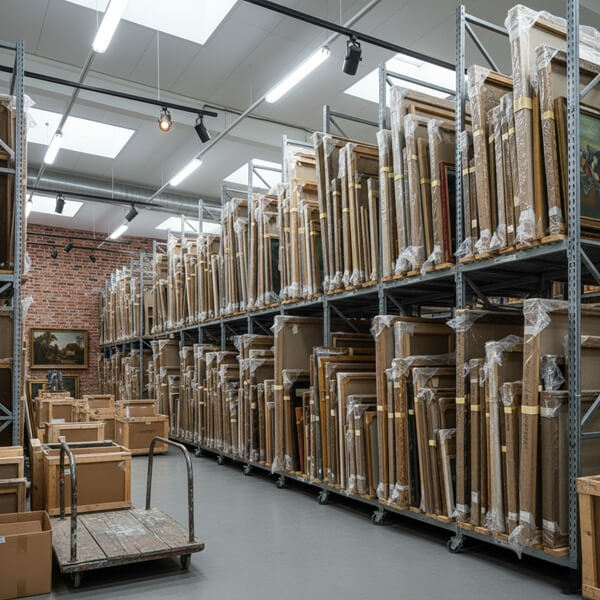
Location and movement logs dramatically reduce unaccounted-for works. Organizations implementing comprehensive asset tracking systems report 40-60% fewer “lost” assets during office relocations and consolidations. Clear asset histories since acquisition improve insurance claim outcomes—incomplete documentation causes significant claim delays or denials.
For organizations subject to internal controls demanded by finance and risk committees, audit-ready records with time-stamped updates provide necessary accountability. Effective management of cultural assets demonstrates the same governance discipline applied to financial assets.
Cost Control and Value Preservation
Knowing what you own, where it is, and its condition prevents redundant purchases. Many organizations discover duplicative acquisitions once they centralize asset information—works sitting in storage that duplicate what’s already displayed elsewhere.
Proper insurance alignment identifies both underinsured high-value pieces and overinsured works where premiums exceed reasonable portfolio risk. Regular condition tracking through asset inspection protocols extends artwork lifespan by catching conservation needs early, delivering meaningful cost savings over time.
Strategic Use of the Collection
Data-driven decisions become possible when you understand your collection comprehensively. Which works belong in flagship offices versus satellite branches? How do your holdings align with stated DEI or sustainability commitments? Can you quickly assemble works by region, period, or artist demographic for board presentations or stakeholder events?
Asset performance metrics for cultural collections differ from hardware assets. Success means strategic deployment, stakeholder engagement, and brand alignment—not depreciation schedules and replacement cycles. A clear art vision ties those measures together, defining what the collection is meant to achieve before its success can be judged.
Workflow Efficiency Across Departments
The reduction in email chains between facilities, curators, legal, and risk teams represents immediate efficiency gains. A single source of truth serves operations, real estate, legal, risk, and communications teams simultaneously. Remote collaboration for teams spread across cities happens naturally when everyone accesses the same cloud hosted platform.
Major benefits summary:
- Risk and compliance improvements through documented histories
- Cost optimization through better insurance alignment and conservation timing
- Strategic activation of collection for stakeholder engagement
- Cross-department efficiency through unified systems
Choosing Asset Management Software for Your Organization
Decision-makers comparing general IT asset management tools, EAM systems, and specialized art management platforms need specific evaluation criteria rather than generic advice. The wrong choice means retrofitting systems never designed for cultural assets—typically requiring 2-3x the customization costs and risking data loss.
Asset Fit
Evaluate how well each platform’s data model supports your primary asset types. Does it natively handle artworks with editions, provenance fields, and exhibition histories? Or would you need extensive customization to track what matters? Can you attach high-resolution images and complex documentation without performance degradation? Generic management software designed for IT assets often struggles with the unstructured data that art collections require.
Usability and Adoption
An intuitive interface matters enormously for non-technical staff like curators, facilities coordinators, and executive assistants. Mobile access for walk-throughs, installations, and condition checks enhances operational efficiency during physical collection work. Role-based views should match how different teams actually operate—finance sees values and insurance data, curators see provenance and condition, facilities sees locations and movement needs.
Integrations and Ecosystem
Consider whether the platform connects with your existing IT infrastructure: SSO, HR systems, facilities management tools, or financial/ERP platforms. Integration capabilities for clean data export to reporting tools or compliance systems matter for organizations with established enterprise software investments. Service desk integration may matter if you need ticketing system connectivity.
Security and Governance
Cloud security standards should meet enterprise requirements—SOC 2-aligned practices represent the baseline expectation for most organizations. Regional data residency considerations apply for EU or global collections. Permission structures must protect sensitive information like appraised values, donor identities, and acquisition prices.
Implementation and Support
Assess vendor onboarding approach: migration support from legacy databases, training sessions for staff, and ongoing documentation. Long-term support models vary significantly—look for in-app guidance, account management, and regular product improvements. Subscription plans should scale appropriately as your collection or user base grows.
When to Choose Specialized Art Software
If more than 20% of your assets are cultural items—artworks, sculpture, archival materials—specialized solutions like Onward typically outperform retrofitted ITAM or general management software. Purpose-built platforms handle provenance, visual cataloging, and loan management natively, avoiding the 50% feature gaps common when adapting generic tools.
Buyer’s checklist:
- Does it support art-specific fields (provenance, editions, exhibitions)?
- Is the interface visual-first with strong mobile access?
- What integrations exist with existing enterprise systems?
- How does security meet your compliance requirements?
- What onboarding and ongoing support is included?
- Can you pilot with a subset before full commitment?
- What is the total cost including implementation?
Why Organizations Choose Onward for Corporate Art Asset Management
Here’s the challenge: most asset management solution options were built for IT hardware, manufacturing equipment, or generic physical assets. Corporate art collections need something different.
Onward is a B2B SaaS platform designed specifically for corporate, institutional, and private fine art collections. Not museum collections with dedicated curatorial staff—corporate environments where art management competes with dozens of other operational priorities.
Centralized, Art-Focused Catalog
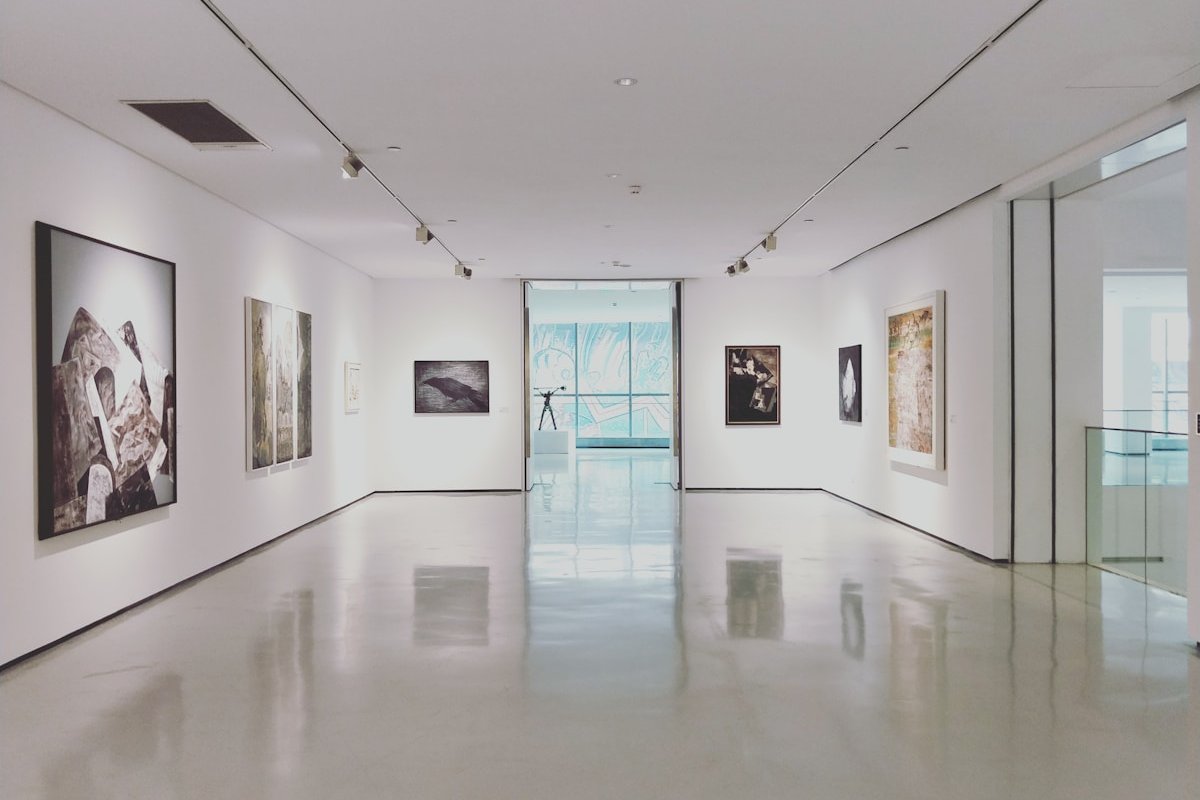
Tailored fields for artworks, provenance, and exhibitions work out-of-the-box for corporate collections. The clean, image-forward interface serves curators and facilities teams equally. No extensive customization required to track what matters.
Streamlined Loan and Movement Workflows
Simple, guided processes for requesting, approving, and documenting internal and external loans reduce administrative friction. Automatic creation of movement histories and condition checks builds documentation as work happens rather than as an afterthought.
Insurance, Risk, and Compliance Support
Clear views of values by location, policy, and risk profile help reduce coverage gaps. Audit-ready records with time-stamped updates and document trails satisfy internal controls and external audit requirements. Risk mitigation through proper documentation reduces liability exposure.
Secure Cloud Access for Distributed Teams
Staff in different cities or time zones consult and update the same records simultaneously. Granular permissions keep sensitive asset data restricted to appropriate roles. Cloud integration enables streamline operations across your entire footprint.
Actionable Analytics for Leadership
Dashboards showing collection value, distribution across sites, and trends over time support informed decision making. Exportable reports serve board meetings, ESG reports, or stakeholder presentations. Generate reports that demonstrate collection alignment with organizational values.
Organizations using Onward report faster inventory cycles, fewer lost works, and more accurate insurance data. The platform complements existing IT and facilities systems by focusing specifically on art assets—the category most organizations struggle to manage with general-purpose tools.
Add from PixabayUploador drag and drop an image hereClear alt text## Best Practices for Implementing Asset Management Software
Successful rollouts typically span 6-12 months for organizations with substantial collections. Rushing implementation often creates technical debt that undermines long-term adoption.
Clarify Objectives
Define what success looks like before selecting tools. “Complete inventory by Q4 2026,” “no undocumented movements,” or “insurance-ready valuation data” represent concrete goals. Prioritize must-have workflows—loans, installations, deaccessions—before expanding scope. Streamline workflows that cause the most operational disruptions first.
Clean and Structure Existing Data
Gather spreadsheets, image folders, legacy databases, and paper binders. Standardize key fields: artist names formatted consistently, dimensions in standard units, mediums using controlled vocabularies. Plan for incremental data improvement over time rather than demanding perfection before go-live. Manual tracking legacy systems can be migrated systematically.
Configure for Art-Specific Needs
Set up location hierarchies that mirror your actual campuses and buildings. Configure condition scales, provenance fields, and custom tags for your collection priorities. New assets should flow into the system through established intake processes.
Train Your Stakeholders
Run targeted sessions for curators, facilities teams, security staff, and executives. Provide simple, role-based guides: “How to log a movement” for facilities, “How to update condition” for curators. Boost efficiency by focusing training on the tasks each role performs regularly.
Iterate and Maintain
Establish recurring review cadence—quarterly works for most organizations—to assess data quality and evolving workflow needs. Assign clear ownership: who maintains inventory accuracy, who updates locations, who ensures documentation completeness. Reducing costs from misplaced works or coverage gaps requires ongoing attention.
Onward’s team assists with several implementation phases including migration, configuration, and training—practical support rather than simply providing software and documentation.
Getting Started with Onward
Taking the next step starts with understanding your current state.
Assess Your Current State
Quick internal checklist: Where does your art data live today? Who accesses and updates it? What are the biggest pain points—lost works, insurance gaps, compliance concerns, or simply scattered information?
Explore Onward
Learn more about Onward through product overviews, feature pages, and customer stories. Request a demo to see how your specific use cases would work within the platform. See how the interface handles new asset tracking system needs for collections like yours.
Plan a Pilot
Start with a subset: headquarters building, a specific campus, or one collection segment. A 60-90 day pilot provides real experience before broader commitment. Key features become clear in practical use.
Roll Out and Refine
Feedback from the pilot informs broader rollout across regions or departments. Expansion happens systematically rather than all at once.
Ready to centralize and simplify your corporate art management? Get started with Onward.